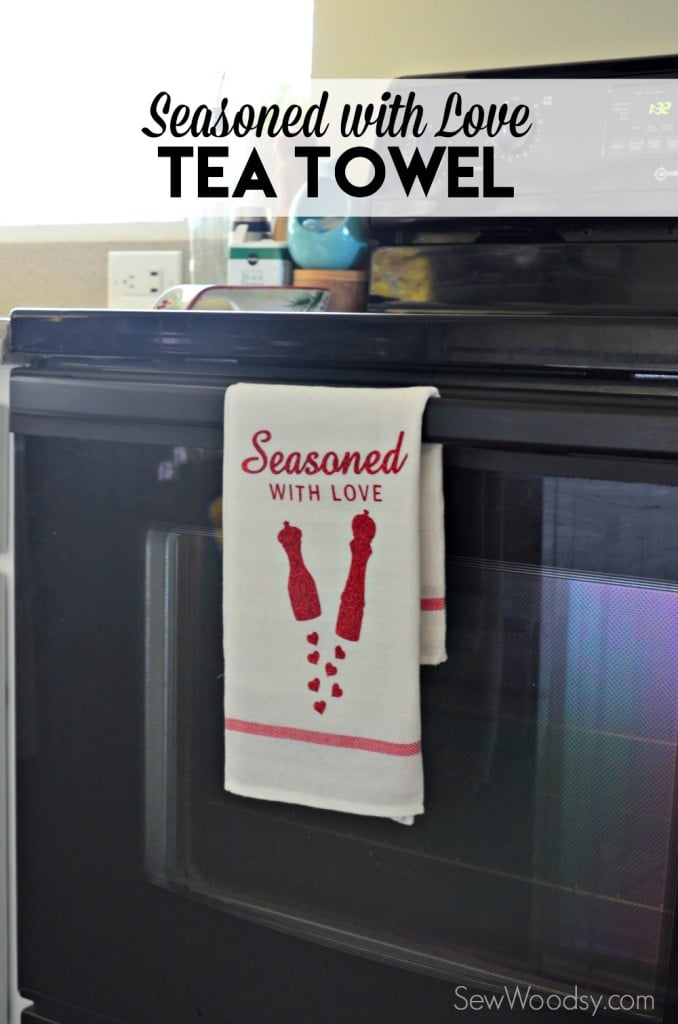
I’m so excited to share this easy and quick Valentine’s Day inspired project with you today! I took a month off from blogging on Sew Woodsy and now I have a few projects that I can’t wait to share. This Seasoned with Love Tea Towel is the perfect first project to share with you for 2016! This tea towel was made in less than 30 minutes. My favorite type of project. I find the design on Cricut Design Space, printed it out and then ironed it on! That’s it! So if you have a Cricut this is the project for you!
Supplies:
- Cricut Explore
- Cricut Design Space
- Seasoned with Love Cut File
- Cricut Mat
- Red Glitter Iron-On Vinyl
- Cricut Tools
- Tea Towel (I found at Ikea for under $1)
- Iron & Ironing Board
- Muslin Cloth
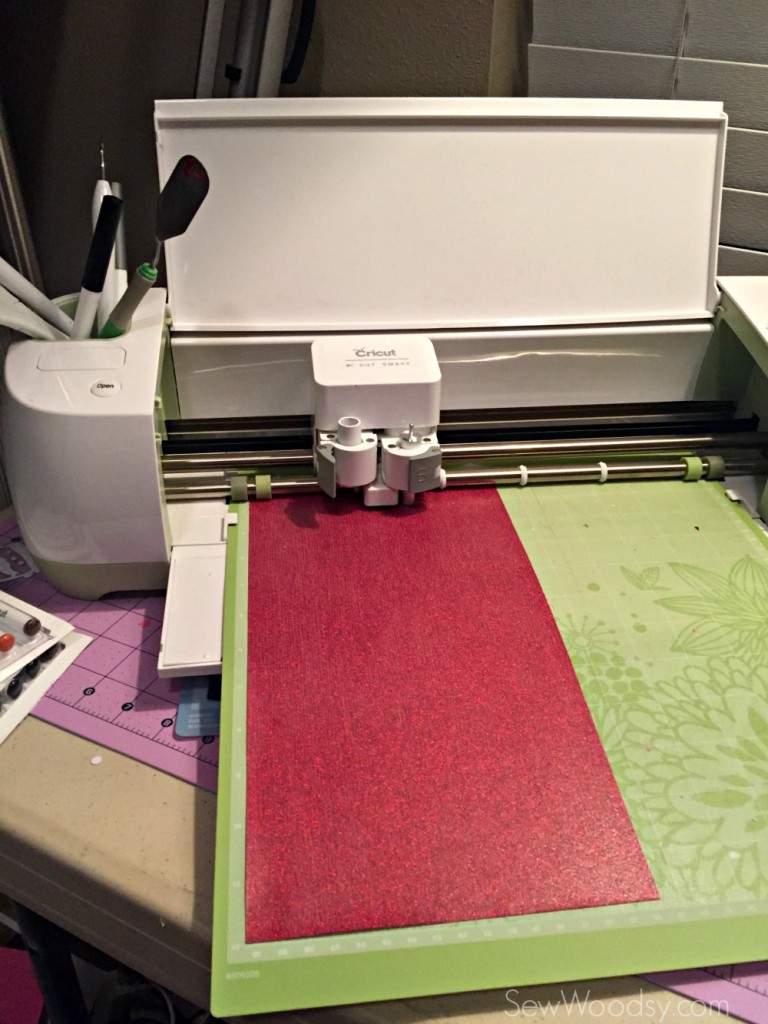
Once I placed the design in Design Space I then cut it out. I totally blanked and forgot to select the glitter iron-on setting under custom. But it’s ok it cut just fine! Also remember to mirror your image because their is text!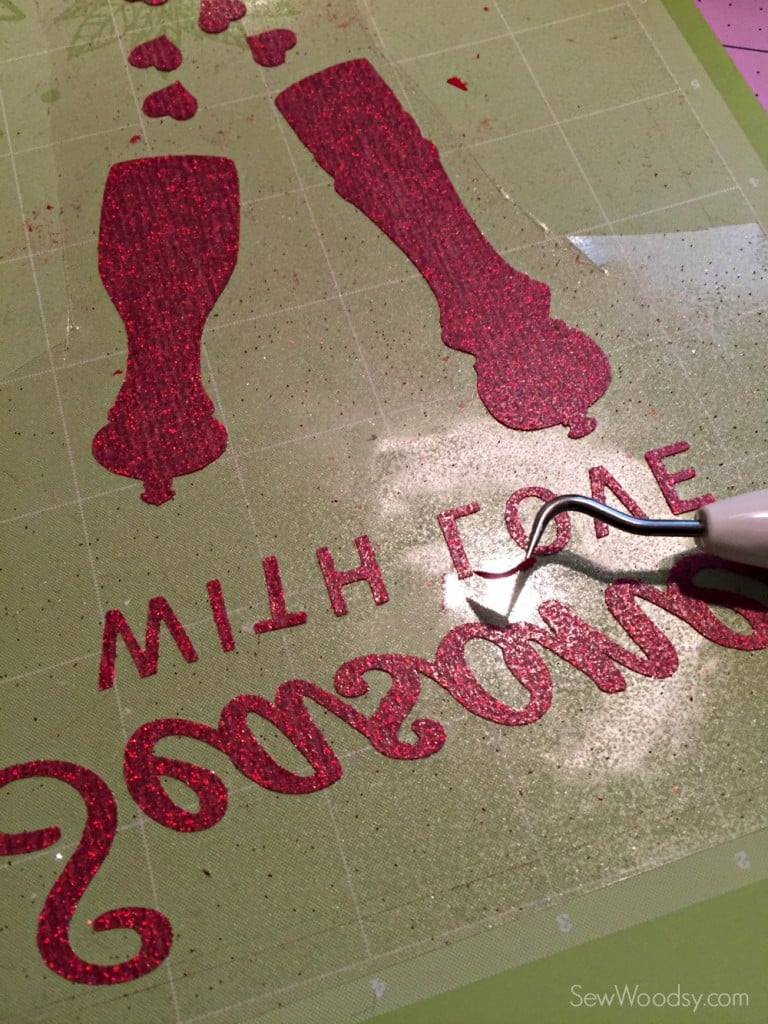
Next up, weed the negative parts of the iron-on vinyl off the design. 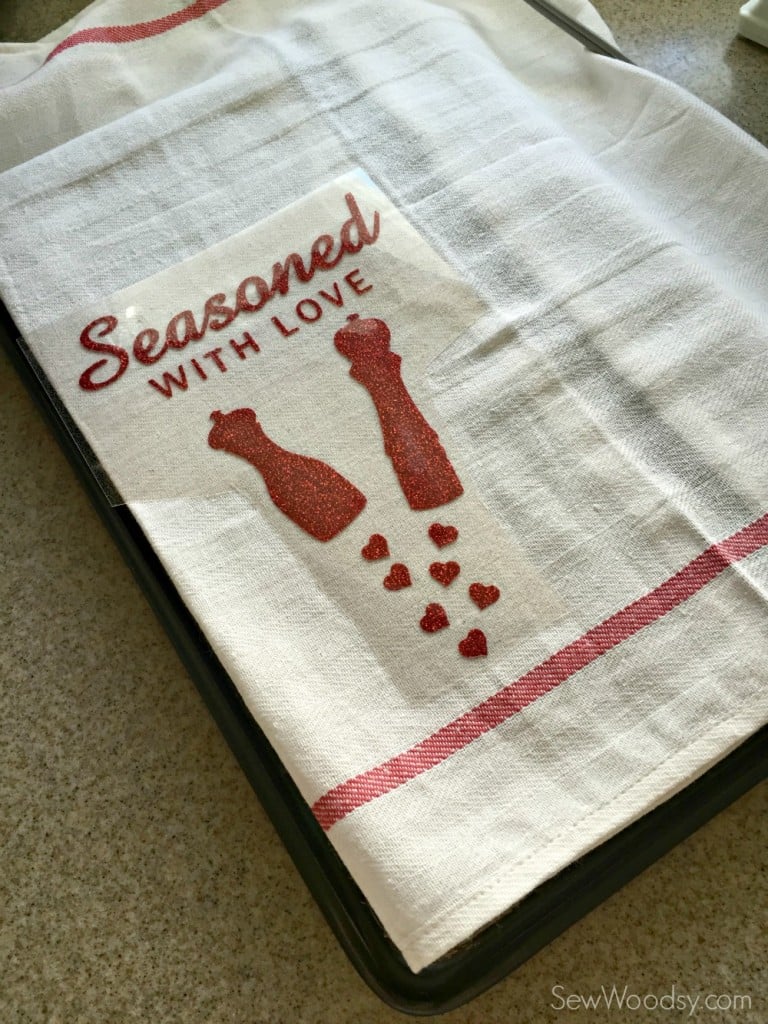
Place the design on the tea towel. I tried a new method this go around. I have friends telling me about using a cookie sheet to iron on. It apparently makes your surface hotter allowing for a better stick. I’m going to be honest i did not see a difference.
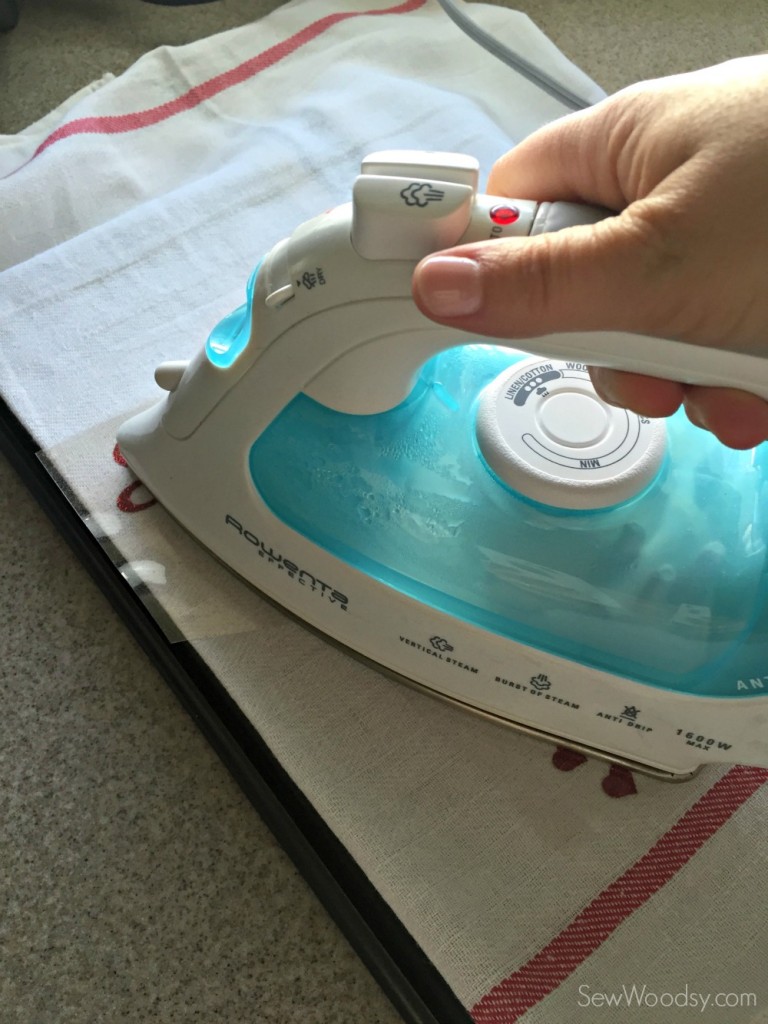
I ironed directly on the plastic for the iron-on vinyl. 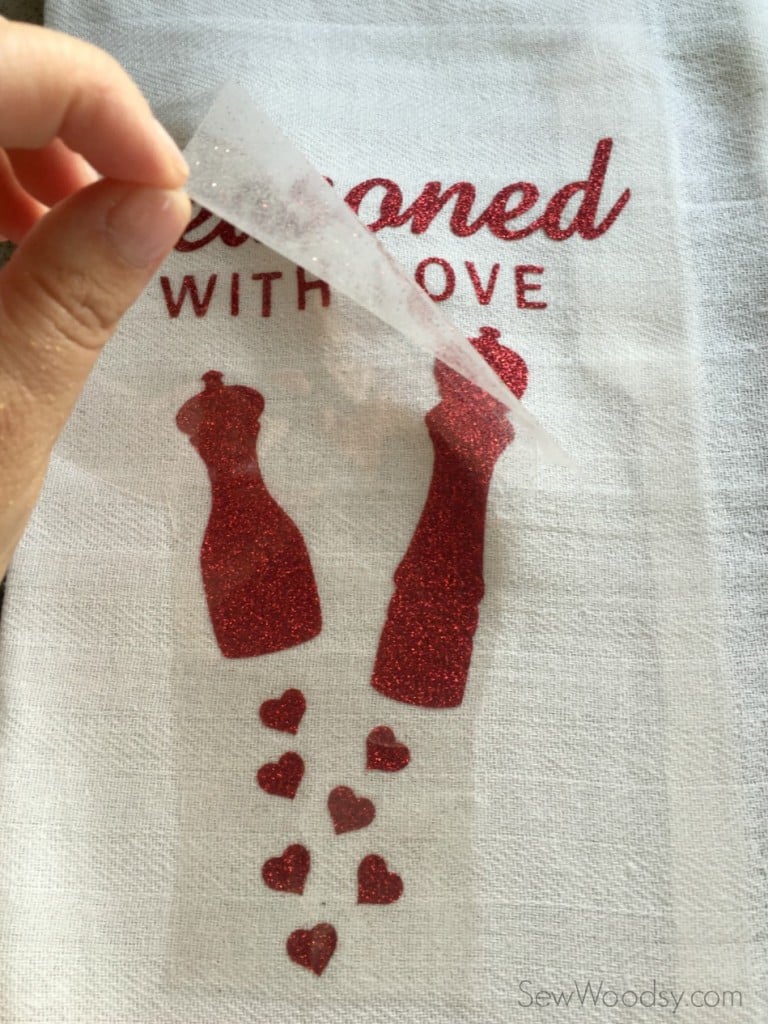
Once it started to bubble (about 10-15 seconds) I removed the plastic. 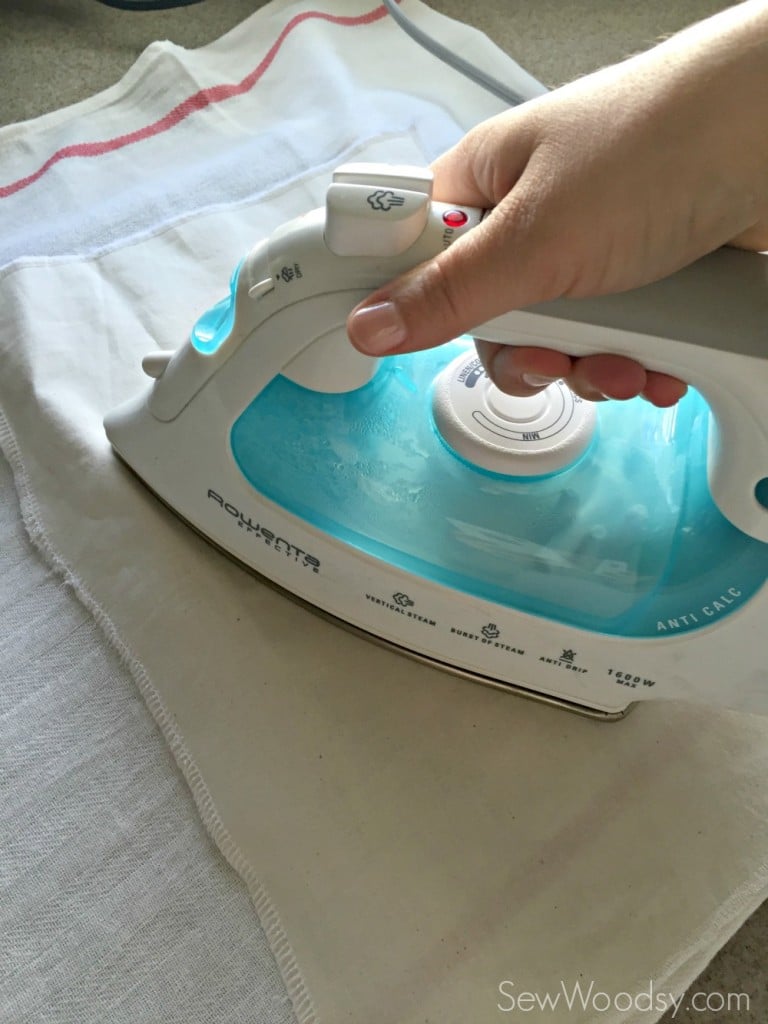
Then I took a thin piece of muslin cloth and heat-set the vinyl for a 10-20 seconds to make sure it’s adhered well.
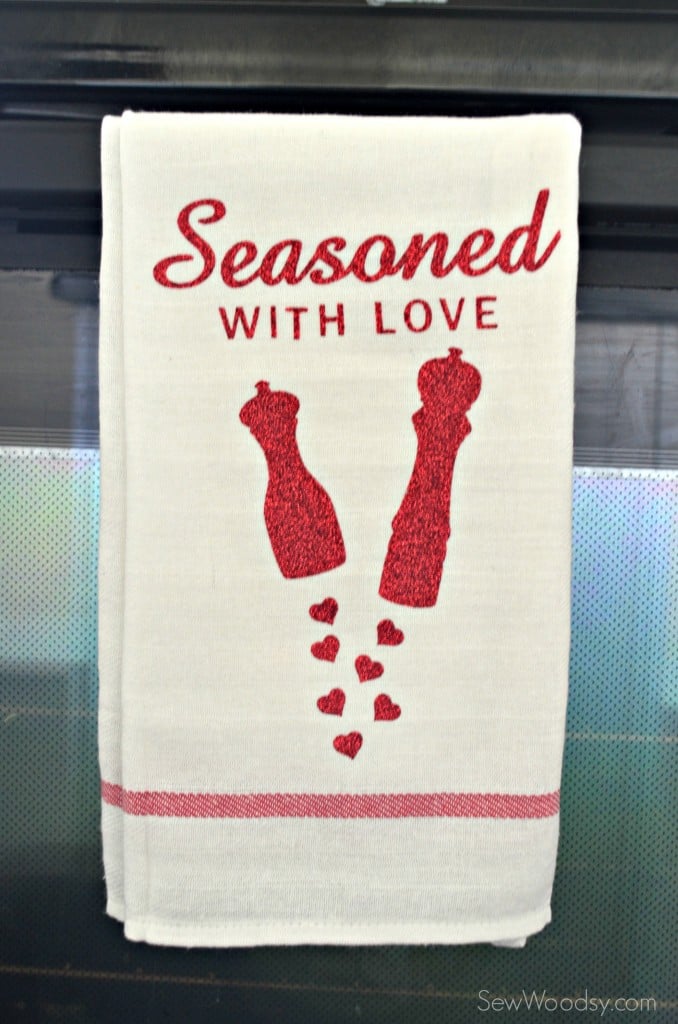
Display and enjoy!
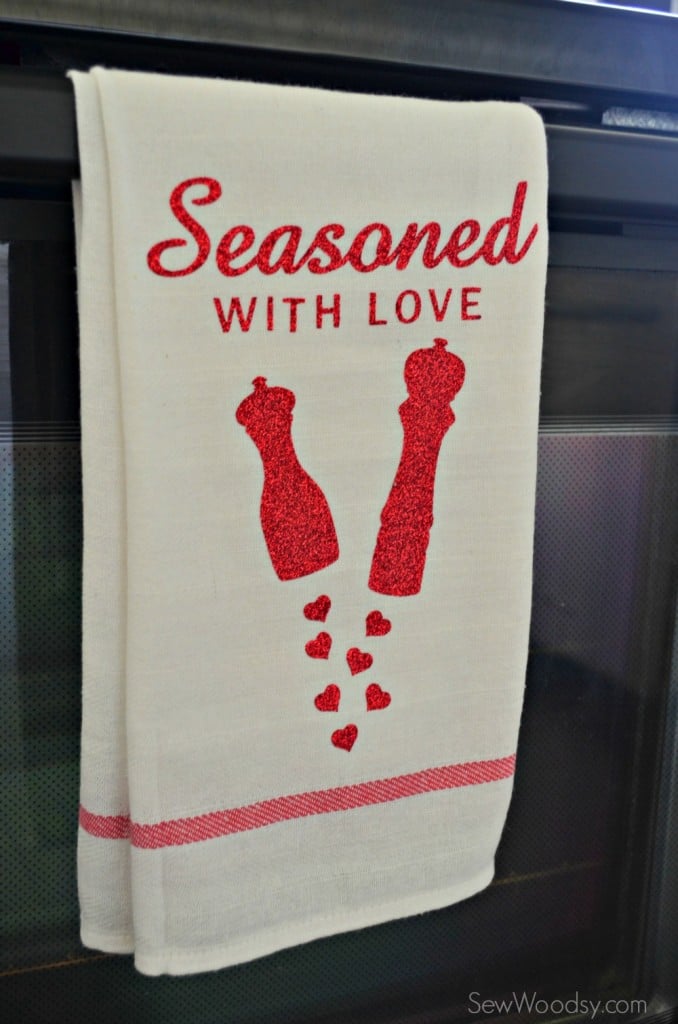
I’m so excited on how this easy tea towel turned out! I can’t wait to make more, and for future wedding shower gifts too!
UPDATE: I have received a lot of inquiries about not being able to find my design even through my link. Cricut has discontinued the salt and pepper shaker image which is why you can’t find this image set any more. The good news–they designed a very similiar design just for my readers to use! Here is the new “seasoned with love” file in Cricut Design Space.
Disclosure: There are affiliate links in this post. If you click on the link and purchase something I will receive a portion of the sale.
